How to Create a Text Logo and Favicon in Seconds with LogoNano
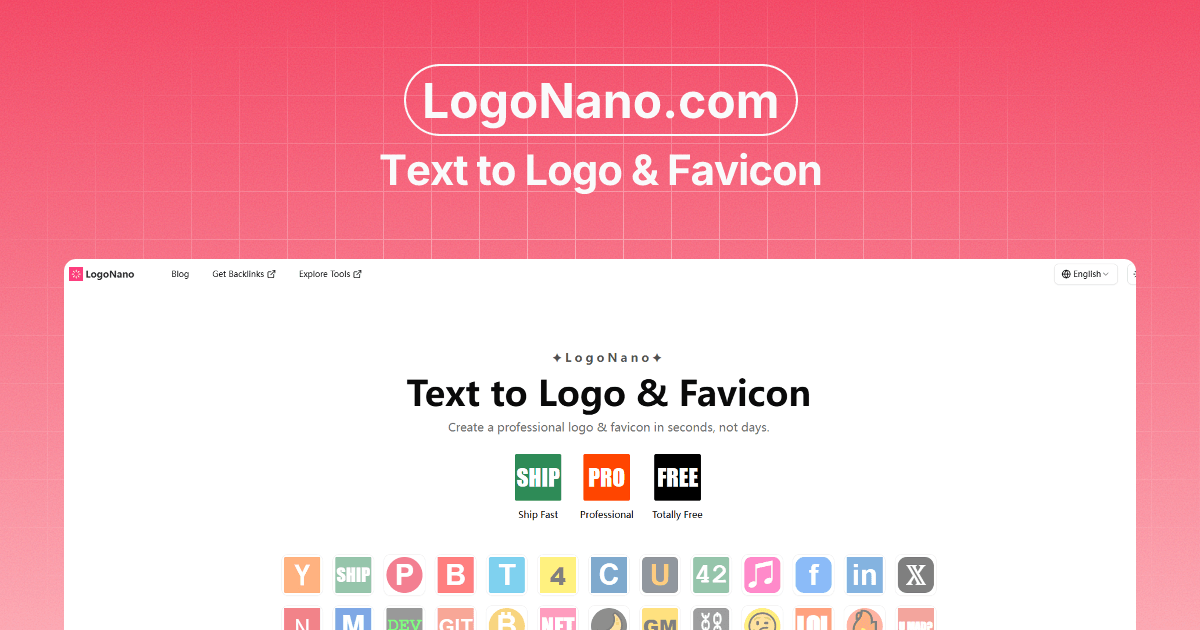
How to Create a Text Logo and Favicon in Seconds with LogoNano
If you are launching a product, side project, personal site, or simple landing page, you usually need two things immediately: a logo and a favicon.
The problem is that creating them from scratch often takes longer than it should. That is exactly where LogoNano helps.
LogoNano is a lightweight online tool for generating text-based logos and favicons quickly. You enter your text, adjust a few settings, preview the result instantly, and export the files you need.
Why Use a Text Logo
Text logos are simple, fast to make, and surprisingly effective.
They work especially well for:
- indie products
- AI tools
- personal sites
- internal tools
- landing pages
- prototypes and MVPs
For many websites, a strong wordmark or lettermark is enough to look polished and professional.
What You Can Customize in LogoNano
LogoNano focuses on the settings that matter most:
- text
- background color
- text color
- font family
- font weight
- corner radius
- vertical alignment
This keeps the workflow fast while still giving you enough control to create something that fits your brand.
How the Workflow Works
Using LogoNano is straightforward:
- Enter your text, initials, symbol, or emoji.
- Choose the colors and font style you want.
- Fine-tune the corner radius and vertical position.
- Preview the result instantly.
- Export PNG, SVG, or the full favicon package.
That means you can go from idea to usable branding asset in just a few minutes.
When to Use PNG, SVG, or the Full Favicon Pack
Each format has a good use case:
- PNG is a solid choice for consistent rendering, especially with emoji or special characters.
- SVG is useful when you want a clean scalable logo file.
- ZIP favicon package is best when you want the common web favicon files ready to use.
If you are setting up a website favicon, the packaged export saves time because it includes the files most sites need.
Good Use Cases for LogoNano
LogoNano is especially useful when you need to move quickly:
- launching a new tool site
- testing a product idea
- building a waitlist page
- replacing a temporary default favicon
- creating a lightweight brand identity without hiring a designer first
It is not meant to replace a full brand system for large companies. It is meant to help you ship faster when speed and simplicity matter.
Start with Something Simple
A good text logo does not need to be complicated.
Start with:
- one short word
- two initials
- a bold color combination
- a readable font
- a favicon that stays clear at small sizes
Simple marks usually perform better than over-designed ones, especially in browser tabs and app shortcuts.
Final Thoughts
LogoNano is built for speed, clarity, and practical website branding.
If you need a text logo and favicon without opening design software or spending hours on setup, it gives you a fast path from idea to export.
Try it here: